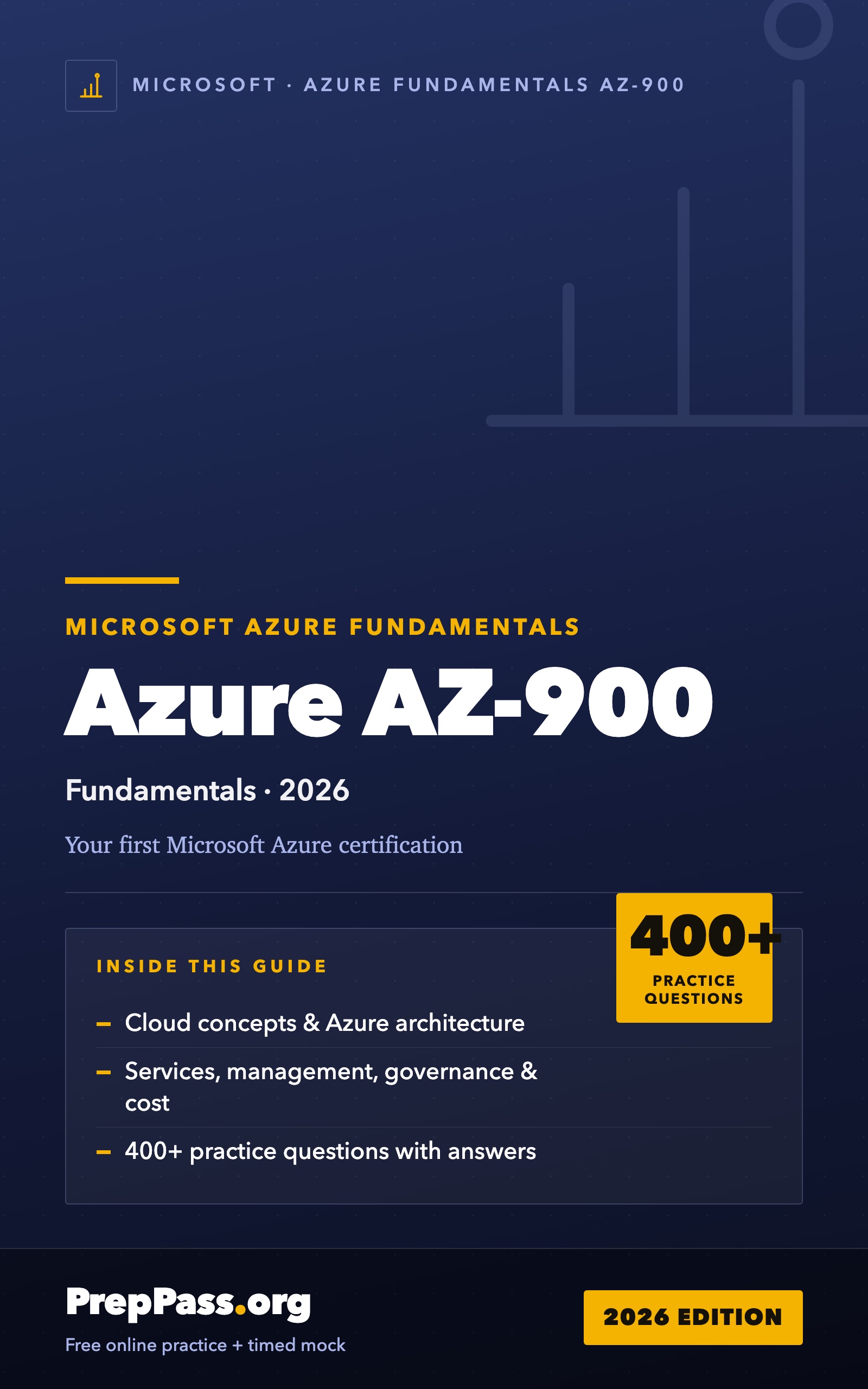
Microsoft Azure Fundamentals (AZ-900) — Complete Study Guide (2026)
The whole AZ-900 blueprint — cloud concepts, Azure architecture & core services, and management & governance — taught plainly, with current Microsoft Entra ID naming and a service cheat-sheet that pins each service to its one job.
A AZ-900 bootcamp/course runs $300–$1,000. This book teaches the same exam — same rules, verified to current standards — for a one-time $14.99 you keep for life.
Own the complete book — PDF + EPUB
The practice questions and timed mock stay free. The book is the studying half:
- Taught chapter by chapter — every exam section explained in order, not just questions
- Print it & tab it — a paper reference you can highlight and mark up
- Works offline — PDF for print, EPUB for your phone or e-reader
- Everything in one file — chapters, cram sheets, and practice questions together
14-day money-back guarantee — not satisfied? Email us for a full refund, no questions asked. Refund policy
Chapter 1 is free to read on this page — try before you buy. One payment unlocks the complete book (PDF + EPUB, practice questions with explanations, per-chapter cram sheets).
Instant PDF + EPUB download · one-time, yours forever · no subscription · 14-day money-back guarantee · not sure yet? read a full chapter free below.
- Verified from the official source(the public Microsoft AZ-900 exam skills outline)
- 419 free practice questions
- Instant download, yours for life
One complete chapter, exactly as it ships in the eBook. Scroll the window to read it right here; no download, no email.
Cloud Concepts is the smallest domain by weight but the most important to internalize, because its vocabulary runs through every later question. This chapter teaches the three service models and how they divide work between you and the provider; the deployment models and where resources live; the economic shift from capital to operating expense; the operational benefits — scalability, elasticity, high availability, disaster recovery, and service-level agreements — that drive cloud adoption; and the shared responsibility model that decides who secures what. Master these and the rest of the exam becomes a matter of attaching concrete Azure services to ideas you already understand.
The concept: what "the cloud" actually is
At its plainest, cloud computing is renting IT resources — compute, storage, networking, databases, and software — over the internet, and paying for what you use, instead of buying and running your own hardware. A provider such as Microsoft owns enormous datacenters, divides their capacity into virtual pieces, and lets customers provision those pieces on demand in minutes. You never see the physical server; you request a virtual machine or a database, use it, and give it back.
Two properties make this more than "someone else's computer." First, self-service and on-demand: you provision resources yourself, instantly, through a portal or a command, without a purchase order or a technician. Second, elastic scale: because the provider's pool is vastly larger than any one customer's needs, you can grow from one server to a thousand and back down again, paying only for what you hold at each moment. These two properties are what let a startup launch globally on a credit card and a retailer absorb a holiday traffic spike without buying servers that sit idle in February.
The concept: the three service models (IaaS, PaaS, SaaS)
The first thing AZ-900 tests is your ability to place a service into one of three models, which differ by how much of the technology stack the provider manages versus you. Picture the stack as a ladder: physical datacenter and hardware at the bottom, then virtualization, then the operating system, then the runtime and middleware, then the application, and finally your data and users at the top.
Infrastructure as a Service (IaaS) rents you the bottom rungs — virtual machines, virtual disks, virtual networks — and leaves the rest to you. Azure keeps the hardware running; you choose the operating system, patch it, install software, configure the network, and manage the application. IaaS gives you the most control and the most responsibility. It is the natural home for a "lift and shift" migration, where you move an existing on-premises server into a cloud VM with minimal change, and for workloads that need a specific OS or low-level configuration. Azure Virtual Machines is the archetypal IaaS service.
Platform as a Service (PaaS) rents you a managed platform — the provider runs the hardware, the operating system, and the runtime, and you supply only your application code or your data. You never patch a server. PaaS trades some control for a large reduction in operational work, which is why developers favor it. Azure App Service (host a web app without managing servers), Azure SQL Database (a managed relational database), and Azure Functions (run code without any server at all) are PaaS.
Software as a Service (SaaS) rents you a finished application over the internet. The provider manages everything up to and including the application; you just sign in, configure settings, and manage your own users and data. Microsoft 365 and Dynamics 365 are SaaS. You do not install or patch anything.
The mental model is a sliding scale of responsibility: IaaS → PaaS → SaaS, with the provider doing more and you doing less at each step. There is no "best" model — the right one trades control against convenience for the workload at hand.
Showing it concretely — matching a scenario to a model
Consider three companies.
- A firm has an old accounting server running a custom Windows application with special drivers, and wants to move it to the cloud with the fewest changes. It needs to control the OS and install its drivers → IaaS (Azure Virtual Machines). A lift-and-shift almost always points to IaaS.
- A development team is building a new web API and wants to deploy code frequently without ever thinking about servers, patching, or load balancers. They want a managed platform for their code → PaaS (Azure App Service). "Deploy code, not servers" points to PaaS.
- A company wants email, documents, and collaboration for its staff with nothing to install or maintain → SaaS (Microsoft 365). "Ready-to-use application" points to SaaS.
The exam loves this exact framing. Anchor on the phrase: control the OS → IaaS; deploy just code or a database → PaaS; use a finished app → SaaS.
The concept: deployment models (public, private, hybrid)
Where a service model asks how much the provider runs, a deployment model asks where the resources live and who can use them. AZ-900 recognizes three.
Public cloud is multi-tenant infrastructure owned and operated by a provider such as Microsoft and rented to anyone over the internet. Because hardware is shared and bought at massive scale, the public cloud offers the lowest upfront cost, instant provisioning, and near-unlimited capacity, in exchange for not owning the hardware. This is what most people mean by "cloud."
Private cloud is infrastructure dedicated to a single organization — in its own datacenter or hosted for it — not shared with other tenants. Organizations choose it for strict control, security, or regulatory isolation, accepting higher cost and the burden of capacity planning. Note that a private cloud still uses cloud technologies (self-service, virtualization); it is not the same as ordinary on-premises servers, though the two are often discussed together.
Hybrid cloud connects the two, linking a private or on-premises environment with the public cloud so workloads and data can span both. Hybrid supports gradual migration, keeping sensitive data on-premises while bursting compute into the public cloud during demand spikes, and meeting rules that require some systems to stay in a controlled location. Azure enables hybrid directly with Azure Arc (extend Azure management to servers anywhere), Azure VPN Gateway, and ExpressRoute.
No model is universally right. Regulatory duties, cost targets, latency, and how much control a team wants over hardware together decide the model, or the blend, that fits.
The concept: CapEx versus OpEx
One of the most-tested ideas in this domain is the financial shift the cloud represents. Traditional on-premises IT is a capital expenditure (CapEx): a large, upfront purchase of servers, storage, and networking that you own and depreciate over years. The money is spent before the first user shows up, and the hardware sits partly idle whenever demand is below its peak.
The cloud replaces this with an operational expenditure (OpEx): a variable, ongoing charge for exactly the resources you consume, billed by the second, gigabyte, or transaction. There is no big upfront purchase; you turn resources on when you need them and off when you do not, and you stop paying the moment you deallocate them. This consumption-based, pay-as-you-go model is why a startup can launch without a datacenter and why a business can align its IT spend with actual usage.
The exam wants you to recognize the trade: CapEx is a fixed, upfront, owned cost; OpEx is a variable, ongoing, rented cost. Cloud = OpEx.
The concept: the benefits that drive adoption
Beyond the CapEx-to-OpEx shift, the exam expects you to name the operational benefits of cloud computing:
- Scalability — add capacity as demand grows, either vertically (a bigger machine) or horizontally (more machines).
- Elasticity — the platform automatically adds capacity during spikes and removes it when demand falls, so you neither overpay for idle hardware nor run short during a rush.
- High availability — redundant hardware and multiple datacenters keep applications running despite component failures.
- Reliability and resilience — the system recovers from failures and continues to work correctly.
- Predictability — both performance (through autoscaling) and cost (through pricing tools and reservations) can be predicted and controlled.
- Security — centralized patching, monitoring, encryption, and governance tools, backed by the provider's investment.
- Governance and manageability — consistent policies, templates, and monitoring across a whole estate.
- Agility and global reach — provision in minutes instead of weeks, and deploy close to users anywhere in the world to cut latency and meet data-residency rules.
If a question describes "handling unpredictable traffic spikes automatically," that is elasticity. "Keeping the app online if a server fails" is high availability. "Deploying near customers on other continents" is global reach. Matching the benefit to the phrase is the whole game.
The concept: scaling, availability, and disaster recovery
Several benefits deserve precise definitions because the exam swaps them as distractors.
Vertical scaling (scale up/down) changes the size of a single resource — a bigger or smaller VM. It is simple but capped by the largest available machine and usually needs a restart. Horizontal scaling (scale out/in) changes the number of instances behind a load balancer. It is the cloud-native approach because it can grow almost without limit and without downtime. Autoscaling applies horizontal scaling automatically based on a metric such as CPU or queue depth.
High availability (HA) means keeping a service running despite failures, achieved through redundancy — spreading resources across independent failure domains so a single failure takes down only part of the system. Disaster recovery (DR) is the plan for a large outage, such as losing a whole region, by replicating data and systems elsewhere so operations can be restored. DR is measured by two objectives: the recovery point objective (RPO), how much data you can afford to lose (how far back your last good copy is), and the recovery time objective (RTO), how quickly you must be running again. HA is about staying up; DR is about coming back.
The concept: service-level agreements (SLAs)
A service-level agreement (SLA) is the provider's formal, published commitment to a level of service — usually uptime, expressed as a percentage such as 99.9%. If Microsoft misses the target, the customer is typically owed a service credit (a partial refund). Higher availability tiers carry higher SLAs; for example, deploying virtual machines across multiple availability zones earns a higher SLA than a single VM.
A subtle, testable point: when you compose an application from several services, the composite SLA can be lower than any single component's, because each dependency adds a chance of failure. Two services each at 99.9% chained together yield roughly 99.8%. Adding redundancy (parallel paths) raises it; adding dependencies (serial paths) lowers it. You are not asked to compute this precisely on AZ-900, but you should know the direction.
The concept: the shared responsibility model
Security in the cloud is a partnership, and the shared responsibility model draws the line. Some layers are always the provider's job, some are always yours, and a middle band shifts with the service model.
- Microsoft always secures the physical layer — datacenters, physical hosts, physical network. No customer ever patches a server rack.
- You always own your data and identities — your information, your accounts, your access decisions — regardless of model.
- The middle shifts with the model. In IaaS you manage the guest OS, its patches, network configuration, applications, and runtime. In PaaS the provider takes the OS and runtime; you keep application configuration, data, and identity. In SaaS the provider manages nearly everything; you manage your data, users, and their access and devices.
The pattern to memorize: as you move IaaS → PaaS → SaaS, more responsibility shifts to the provider, but data, identity, and account management always remain yours. Most real breaches happen in a control the customer assumed the provider owned. Getting the split right for each service is fundamental to using Azure safely.
Showing it concretely — who patches the operating system?
A recurring exam item asks who is responsible for a given task under a given model.
- You run an application on an Azure VM (IaaS). Who patches the guest operating system? You do — the OS is your responsibility in IaaS.
- You run the same application on Azure App Service (PaaS). Who patches the OS now? Microsoft — PaaS moves OS and runtime patching to the provider.
- In any model, who is responsible for managing user accounts and the data itself? You are — data and identity never transfer.
Anchor on that last line; it resolves a large family of questions.
What's in the eBook
Why buy the book when the practice is free?
Our practice questions and timed mock stay free — nothing on the site moves behind this book. The $14.99 book is the studying half: the material itself, taught in order, in a file you own.
- Systematic teaching — every exam section explained chapter by chapter, start to finish, not just questions
- Print it & tab it — a paper-ready PDF you can highlight, mark up, and bring to your study table
- Study anywhere, offline — EPUB on your phone or e-reader; no wifi, no browser tabs
- Everything in one place — chapters, per-chapter cram sheets, and practice questions in one file
- Yours for life — one-time $14.99, instant download, no subscription
And it's risk-free: 14-day money-back guarantee — not satisfied? Email us for a full refund, no questions asked. See the refund policy.
14-day money-back guarantee · full refund, no questions asked.
One-time purchase, lifetime access to the download. The eBook is the full Microsoft Azure Fundamentals (AZ-900) study guide in PDF and EPUB. Educational summary, not professional or legal advice — always confirm the current rules with the official source. Last updated: August 2026.