CompTIA A+ Core 1 Practice Test
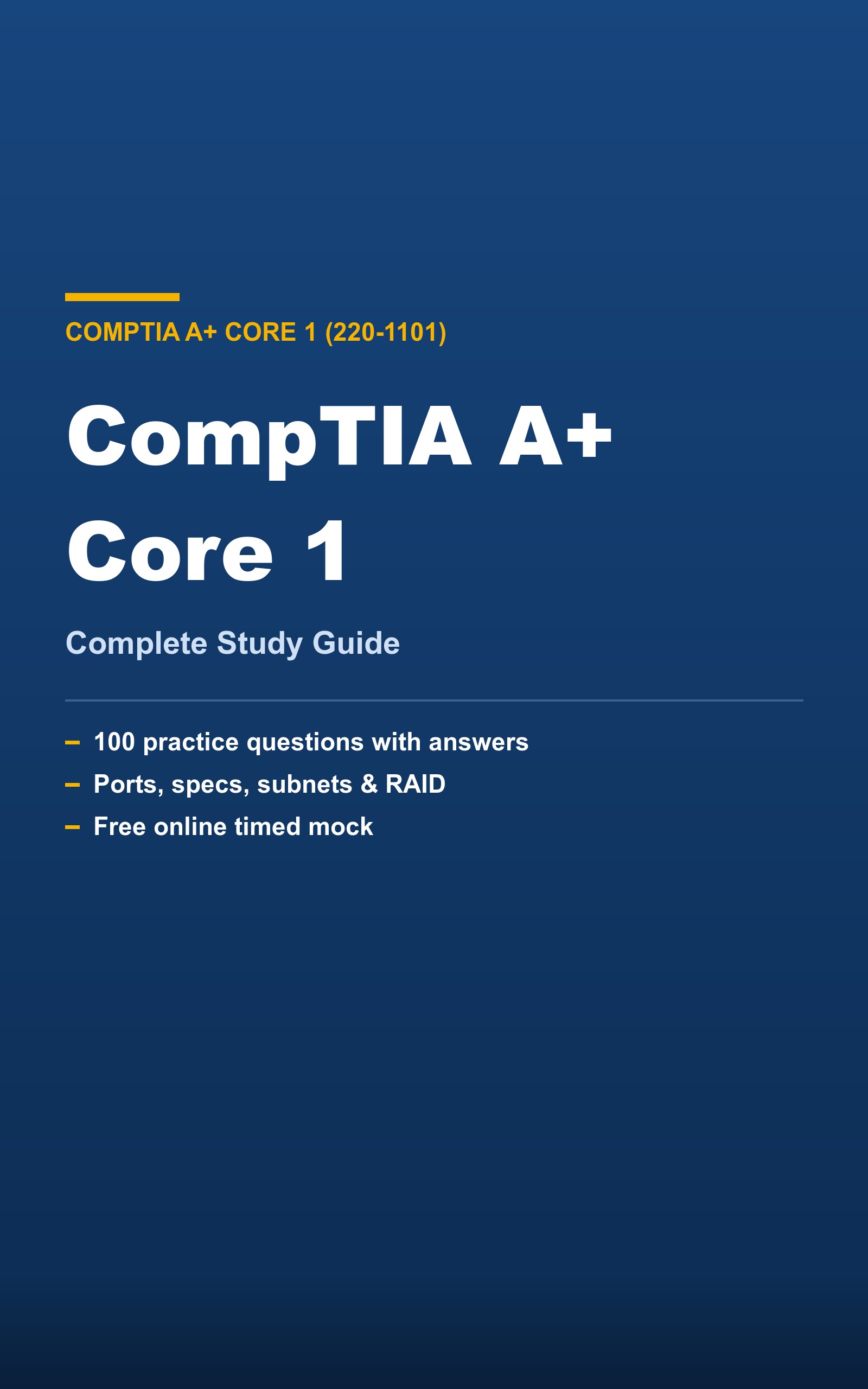
La práctica sigue gratis. La guía completa de CompTIA A+ Core 1 (220-1101) es el material en sí, explicado de principio a fin — un PDF + EPUB descargable que conservas.
Preguntas frecuentes
¿Cuántas preguntas de práctica de CompTIA A+ Core 1 hay aquí?+
Un banco completo de preguntas originales de CompTIA A+ Core 1 en las áreas oficiales, con el peso del examen real y explicaciones. Gratis, sin registro.
¿Cómo es el examen CompTIA A+ Core 1?+
Unas 100 preguntas. Practica por tema aquí y luego haz el simulacro cronometrado para medir tu preparación.
¿Estas son las preguntas reales del examen?+
No. Cada pregunta es 100% original, escrita de fuentes públicas con explicaciones. Nunca copiamos preguntas reales ni material de preparación pagado.
¿Puedo estudiar en chino o español?+
La práctica de PrepPass está en inglés, 中文 y español. El examen oficial es en inglés — cambia el idioma de las preguntas a inglés para ensayar la terminología del día del examen.
Preguntas de práctica de ejemplo
Algunas preguntas reales de este banco gratuito, con explicaciones completas. Usa la herramienta de arriba para el banco completo.
- 1. Hardware
Which memory technology is most commonly used as the main system RAM in a modern desktop computer?
- a.GDDR video memory
- b.DDR SDRAM DIMMs
- c.NAND flash chips
- d.EEPROM
Respuesta: b
Explicación: Modern desktops use DDR SDRAM installed as DIMM modules for main system memory. NAND flash is used for SSDs, GDDR is dedicated video memory on graphics cards, and EEPROM stores small amounts of firmware data.
- 2. Hardware
How many drives are minimally required to build a RAID 5 array?
- a.Four
- b.One
- c.Three
- d.Two
Respuesta: c
Explicación: RAID 5 distributes parity across all members and needs a minimum of three drives. It can survive the loss of a single drive by rebuilding from parity information.
- 3. Hardware
Which component temporarily stores data the CPU is actively using and loses its contents when powered off?
- a.Optical disc
- b.BIOS ROM
- c.Hard drive
- d.System RAM
Respuesta: d
Explicación: System RAM is volatile memory that holds active program data and is cleared when power is removed. Hard drives and optical discs are non-volatile storage, and BIOS ROM retains firmware.
- 4. Networking
A client shows an IP address in the 169.254.x.x range. What does this indicate?
- a.A static public IP
- b.A successful DHCP lease
- c.An IPv6 link-local address
- d.APIPA — the client failed to reach a DHCP server
Respuesta: d
Explicación: An address in 169.254.0.0/16 is APIPA, which a Windows host self-assigns when no DHCP server responds. It signals a DHCP problem rather than a normal lease.
- 5. Networking
Which connector terminates a twisted-pair Ethernet cable?
- a.SC
- b.RJ11
- c.BNC
- d.RJ45
Respuesta: d
Explicación: Ethernet twisted-pair cables use 8-position RJ45 connectors. RJ11 is for telephone lines, BNC is coax, and SC is a fiber-optic connector.
- 6. Mobile Devices
Which component in a laptop allows it to connect to wireless networks and is often a replaceable M.2 card?
- a.CMOS battery
- b.Wi-Fi/WLAN card
- c.Northbridge
- d.Optical drive
Respuesta: b
Explicación: The WLAN (Wi-Fi) card, frequently an M.2 module, provides wireless connectivity and can be serviced or upgraded. The CMOS battery, chipset, and optical drive serve different roles.
- 7. Virtualization & Cloud
In cloud computing, what does IaaS provide?
- a.Only a development platform
- b.Physical office space
- c.Virtualized compute, storage, and networking infrastructure
- d.Finished applications only
Respuesta: c
Explicación: Infrastructure as a Service delivers virtual machines, storage, and networking that customers manage themselves. SaaS delivers finished apps and PaaS provides a development platform.
- 8. Hardware & Network Troubleshooting
What is the correct first step in the CompTIA troubleshooting methodology?
- a.Implement the fix immediately
- b.Identify the problem
- c.Reboot everything
- d.Document the outcome
Respuesta: b
Explicación: The methodology begins with identifying the problem by gathering information and questioning the user. Establishing a theory, testing, fixing, and documenting come later in the sequence.
- 9. Hardware & Network Troubleshooting
A system randomly reboots under heavy load. Which cause should be investigated?
- a.Overheating or inadequate/failing power supply
- b.Keyboard layout
- c.Browser cache
- d.Wallpaper resolution
Respuesta: a
Explicación: Random reboots under load commonly result from overheating (dust, failing fans, dried thermal paste) or a power supply that cannot sustain the load. Cosmetic software settings do not cause reboots.
- 10. Hardware & Network Troubleshooting
A network cable run seems dead. Which tool verifies the wiring is terminated correctly end to end?
- a.Thermal camera
- b.Antistatic strap
- c.Multimeter
- d.Cable tester
Respuesta: d
Explicación: A cable tester checks pin-by-pin continuity and correct termination of a network cable. A multimeter measures electrical values but not Ethernet pinout mapping directly, and the others are unrelated.
Consigue la guía completa de CompTIA A+ Core 1 (220-1101) — PDF + EPUB, $14.99 →